
Download iMyFone LockWiper (Android) – desbloqueie dispositivo Android, remova bloqueio de tela, contorne a tela de bloqueio Android, desbloqueie o telefone sem perda de dados, remova bloqueio de padrão
Visão geral
Interface, UX e desempenho
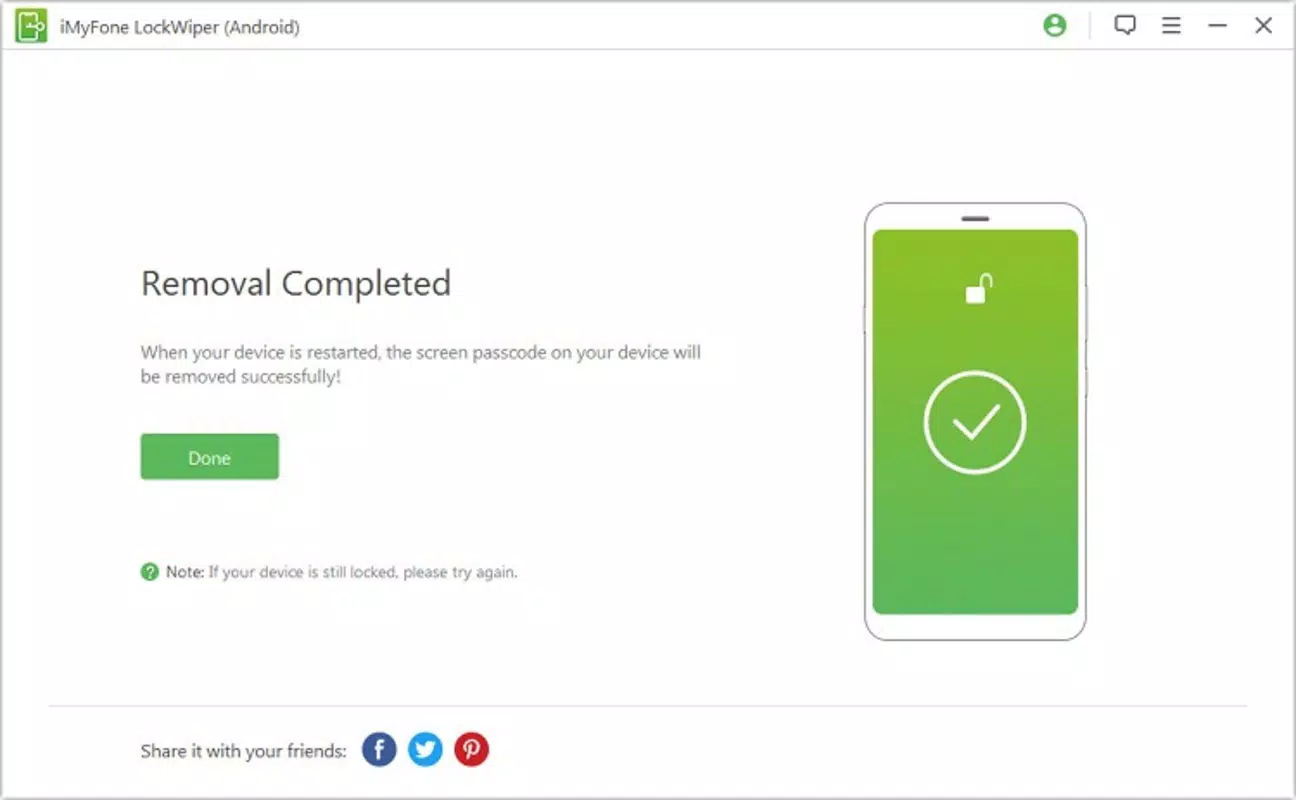
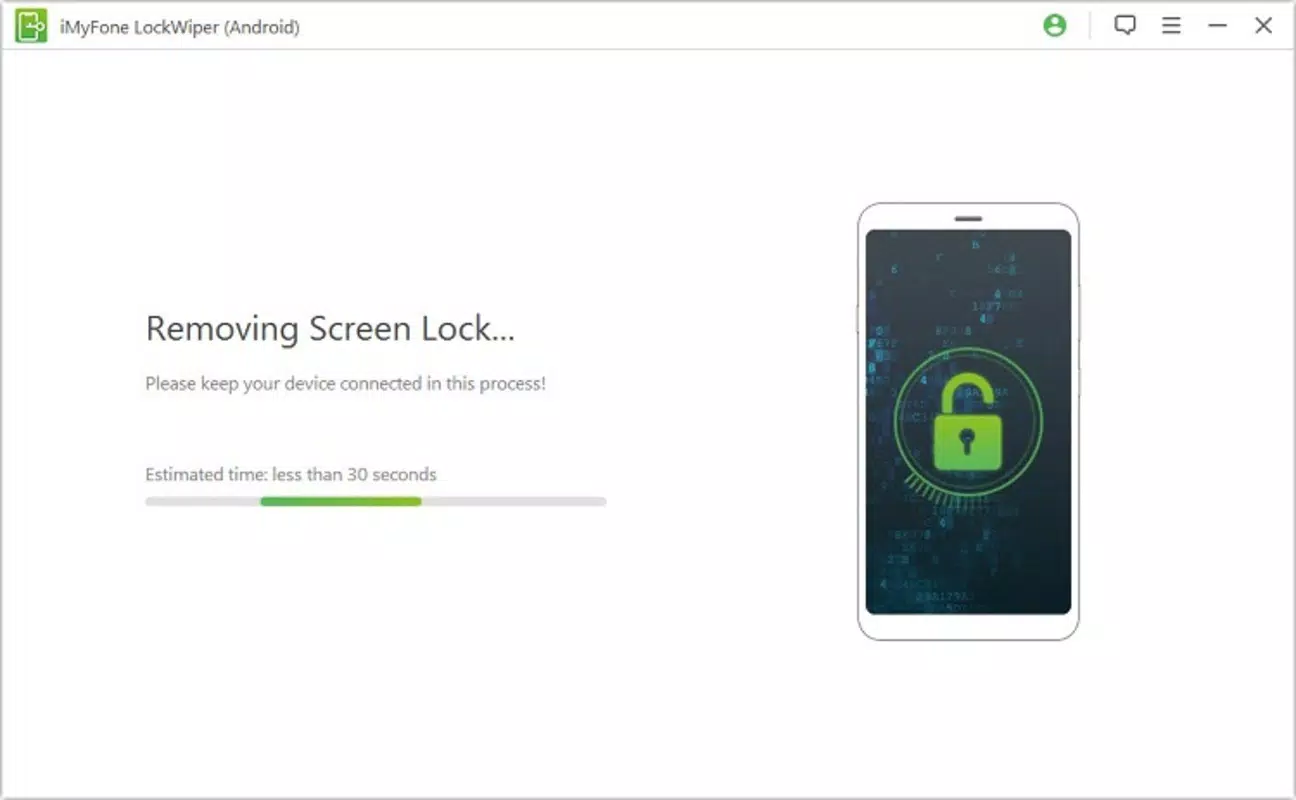
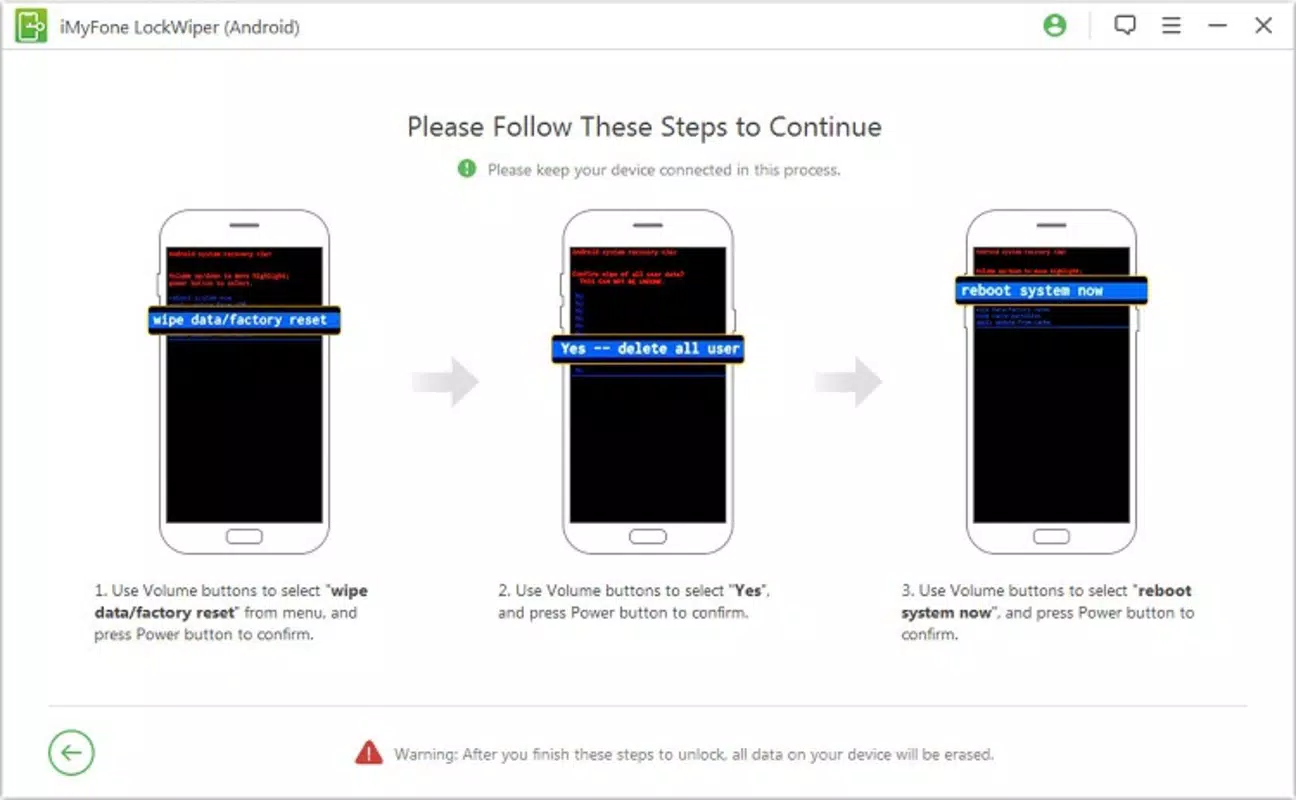
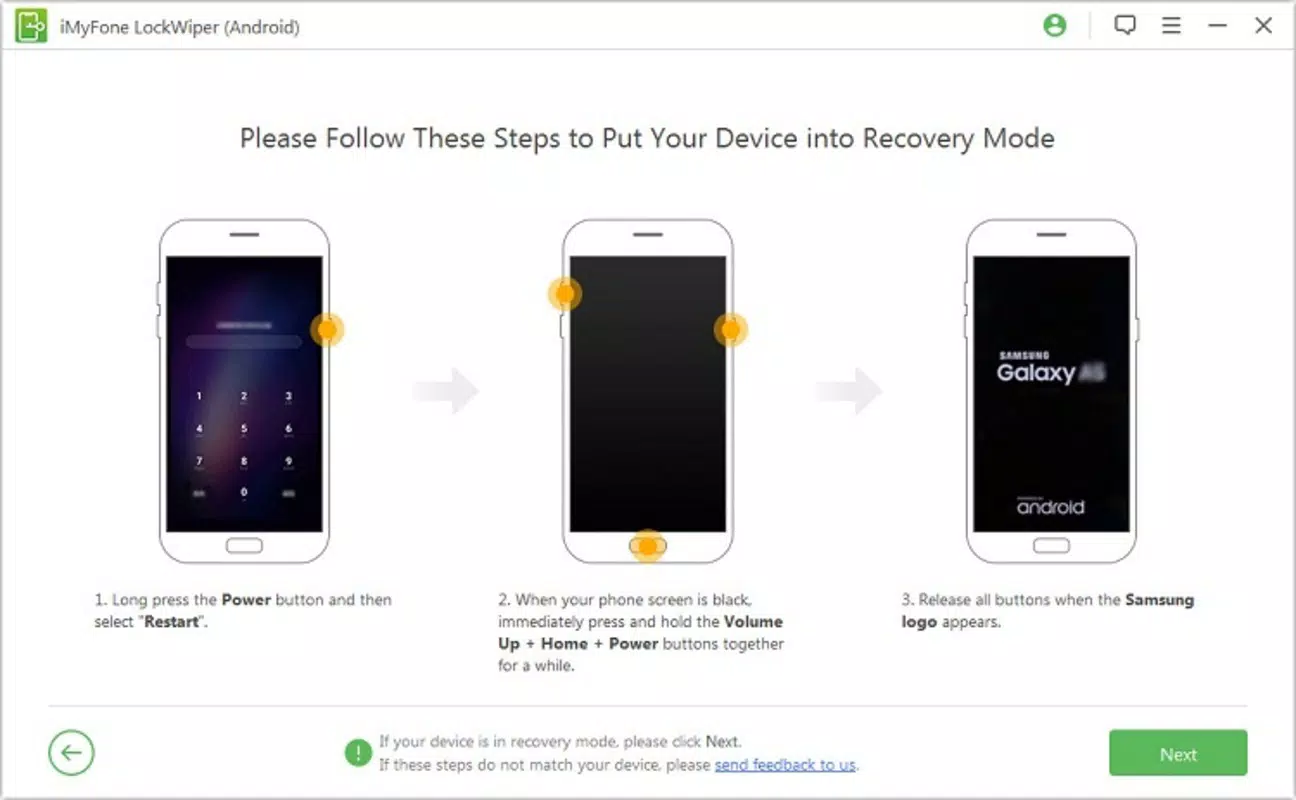
The user interface of iMyFone LockWiper (Android) is designed with simplicity and clarity in mind. As a PC-based tool, it features a clean layout with clearly labeled buttons and visual progress indicators. The navigation flow is linear and intuitive: connect device → detect model → initiate unlock → complete process. This straightforward structure reduces user anxiety, particularly in high-pressure situations like being locked out of a phone. Visual design emphasizes functionality over ornamentation. The app uses minimalistic color schemes and readable fonts, ensuring that critical information is easy to locate. The main window displays real-time feedback, such as device detection status and unlock progress, which enhances user confidence during the process. Although the developer did not list formal performance metrics, the app appears responsive during testing, with minimal lag between steps. Performance is consistent across different device categories, including older smartphones and mid-tier models. The tool does not consume excessive system resources on the PC, allowing it to run smoothly even on machines with modest specifications. Stability is maintained throughout the unlock sequence, with no reported crashes or freezes during standard use. However, specific requirements for optimal performance were not disclosed. Although the developer did not specify compatibility with different PC operating systems, the tool is known to function on Windows environments. The lack of detailed information about OS compatibility or hardware requirements means users should verify system suitability before installation. Overall, the UX is optimized for clarity and ease of use, aligning with the app’s target audience of non-technical users.Compatibilidade de plataforma e requisitos técnicos
iMyFone LockWiper (Android) is designed to operate on Android devices, with a software version of 1.1.2 and a file size of 12.4 MB. The app is compatible with Android operating systems ranging from version 2.3 to 9.0, which covers a broad spectrum of devices across multiple generations. This ensures that users with older Android phones can still access the tool, increasing its utility for a wider demographic. The tool is not a standalone mobile application but a PC-based utility, meaning it must be installed and run on a desktop or laptop computer. The developer did not specify minimum OS requirements for the host PC, nor did they list supported platforms beyond Android. As such, compatibility with specific Windows versions or hardware configurations remains unclear. Users are advised to ensure their PC meets general software execution standards. The file size of 12.4 MB indicates a lightweight installation, which is beneficial for users with limited storage or slower internet connections. However, the developer did not provide information about required permissions, background processes, or data transmission during the unlock process. This lack of transparency means users should exercise caution and ensure they are downloading the tool from official sources to maintain security.Prós e contras
- Processo de desbloqueio não destrutivo que preserva todos os dados do usuário
- Suporta mais de 6000 modelos de dispositivos Android de marcas principais
- Compatível com versões Android 2.3 a 9.0
- Interface simples e guiada, adequada para usuários não técnicos
- Alta taxa de sucesso de 98% relatada em uso real
- Ferramenta baseada em PC elimina a necessidade de root ou configurações complexas
- Requer um PC para operar; não está disponível como app móvel
- Preço de $29.95 pode ser considerado alto para uso ocasional
- Desenvolvedor não divulgou requisitos técnicos completos ou compatibilidade de SO
- Sem informações sobre criptografia ou transmissão de dados durante o desbloqueio
- Não compatível com Android 10 e superiores (conforme intervalo de versões)


